
DOWNLOAD IT.
Save your brush set to Files on your iPad. If it arrives as a ZIP, tap it to unzip it first.
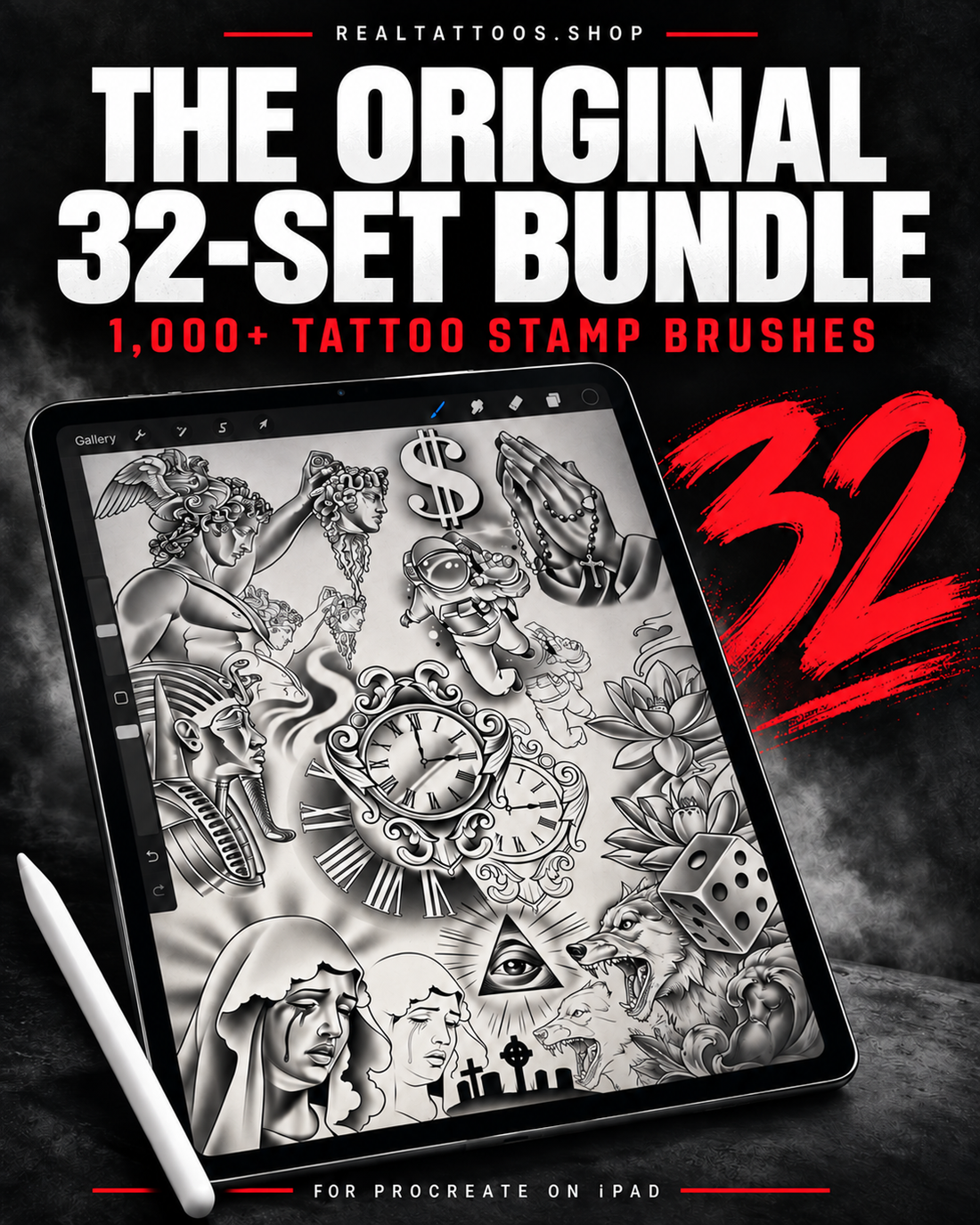
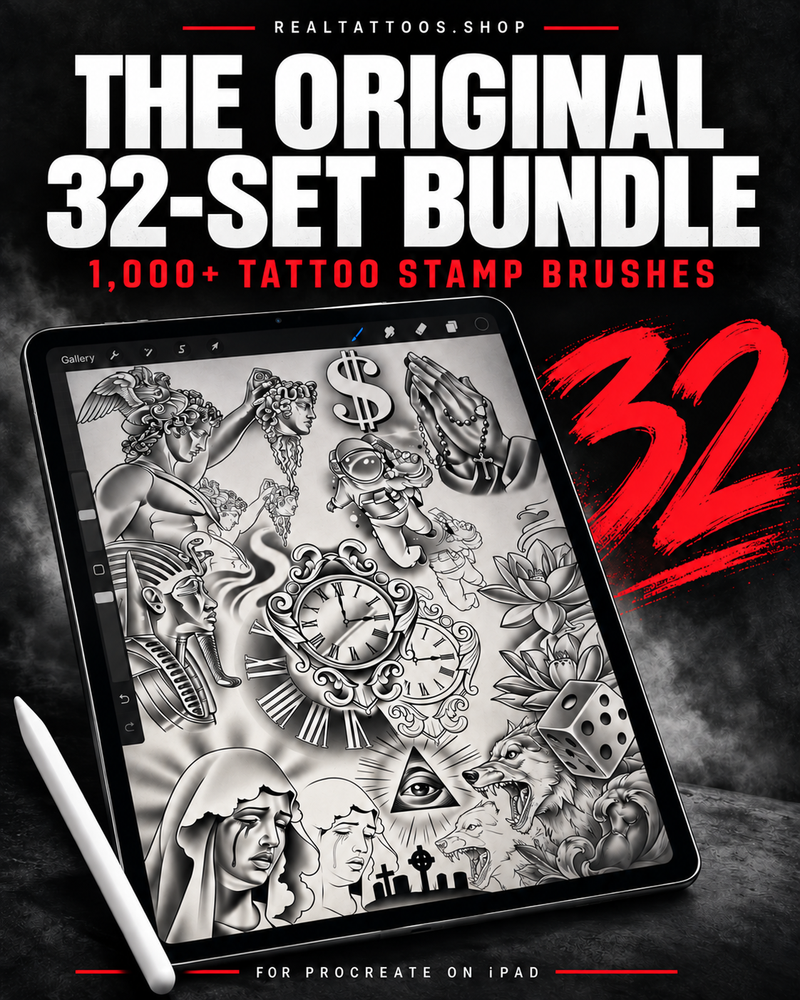
THE ORIGINAL 32-SET BUNDLE
FOR PROCREATE ON iPAD
1,538 named brushes across 32 sets. Build tattoo compositions in Procreate on iPad—stamp, resize, rotate, and combine.
iPad + Procreate required. Digital downloads only.
THE BRUSH LIBRARY
The complete toolkit: 32 brush sets, two pens, a shader, and placement stamps. Three alphabetized ZIPs with sets numbered 01–32.
FROM DOWNLOAD TO DESIGN
Save your brush set to Files on your iPad. If it arrives as a ZIP, tap it to unzip it first.
Tap the .brushset file and open it in Procreate. Your set will appear in the Brush Library.
Open a canvas, create a new layer, choose a brush, and tap once. Resize, rotate, and combine designs on separate layers.
START HERE: Set the brush opacity to 100%. Use the size slider before stamping, then Transform to place your design.
COLLECTION PREVIEW
Explore Lions, Sports, Skullz, Limbs, Angels, Flowers, money designs, and more. Download three ZIPs, unzip in Files, and import each numbered brush set into Procreate.
FOR PROCREATE ON iPAD
BEFORE YOU LOAD UP
iPad + Procreate required. Digital downloads only.
An iPad with the Procreate app installed. Procreate and the iPad are sold separately.
These are digital Procreate stamp brushes. Use them inside the app to build your tattoo designs.
These brush sets are made for the Procreate app on iPad. They are not designed for Android or other drawing apps.
Put each stamp on its own layer. Then use Transform to move, resize, or rotate each element independently.